
Artistry™ Virtual Beauty Tool


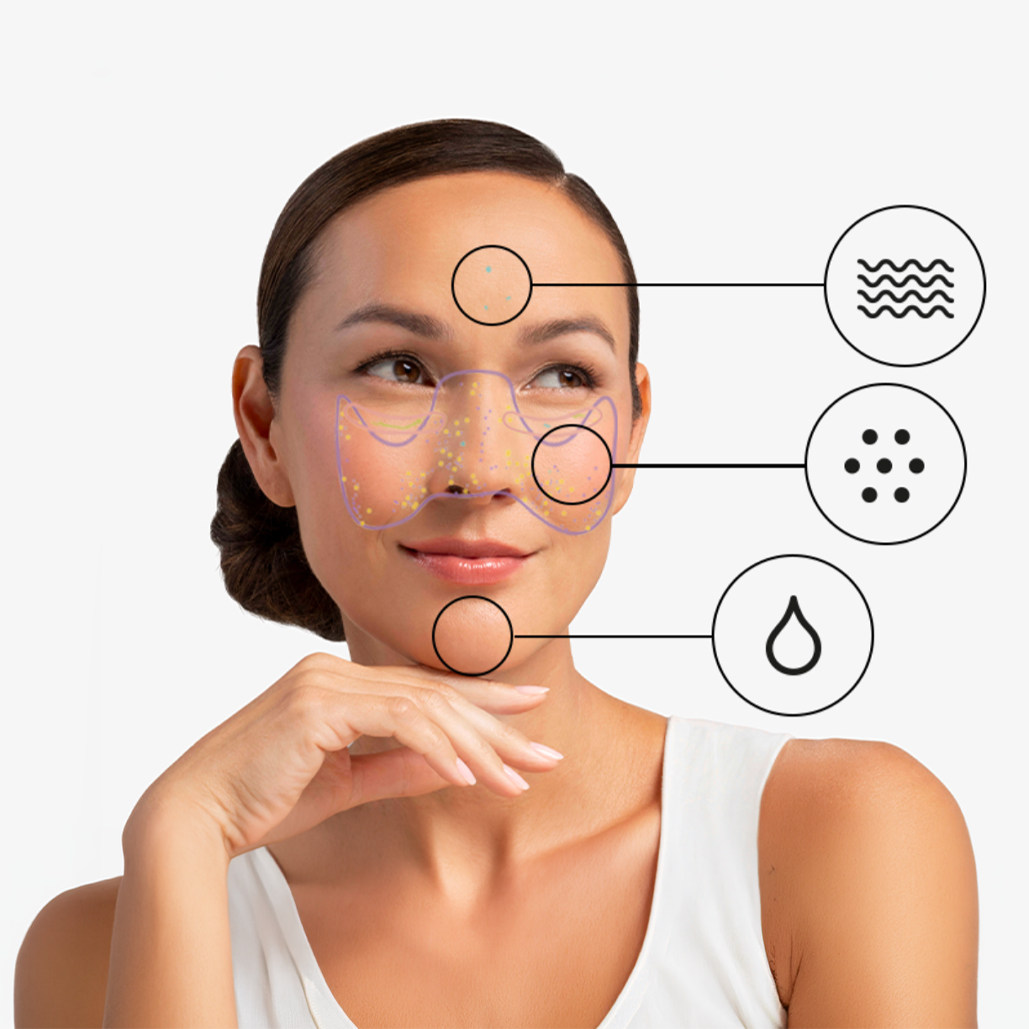
Understand your skin and find your right skincare routine
The Artistry Virtual Skin Analysis tool checks 6 key concerns – from fine lines to hydration – to understand your skin’s unique needs.
Backed by 95% accuracy, the results reveal a clear picture of your skin, your skin age and an overall score so you can trust the recommended products and routine with confidence.
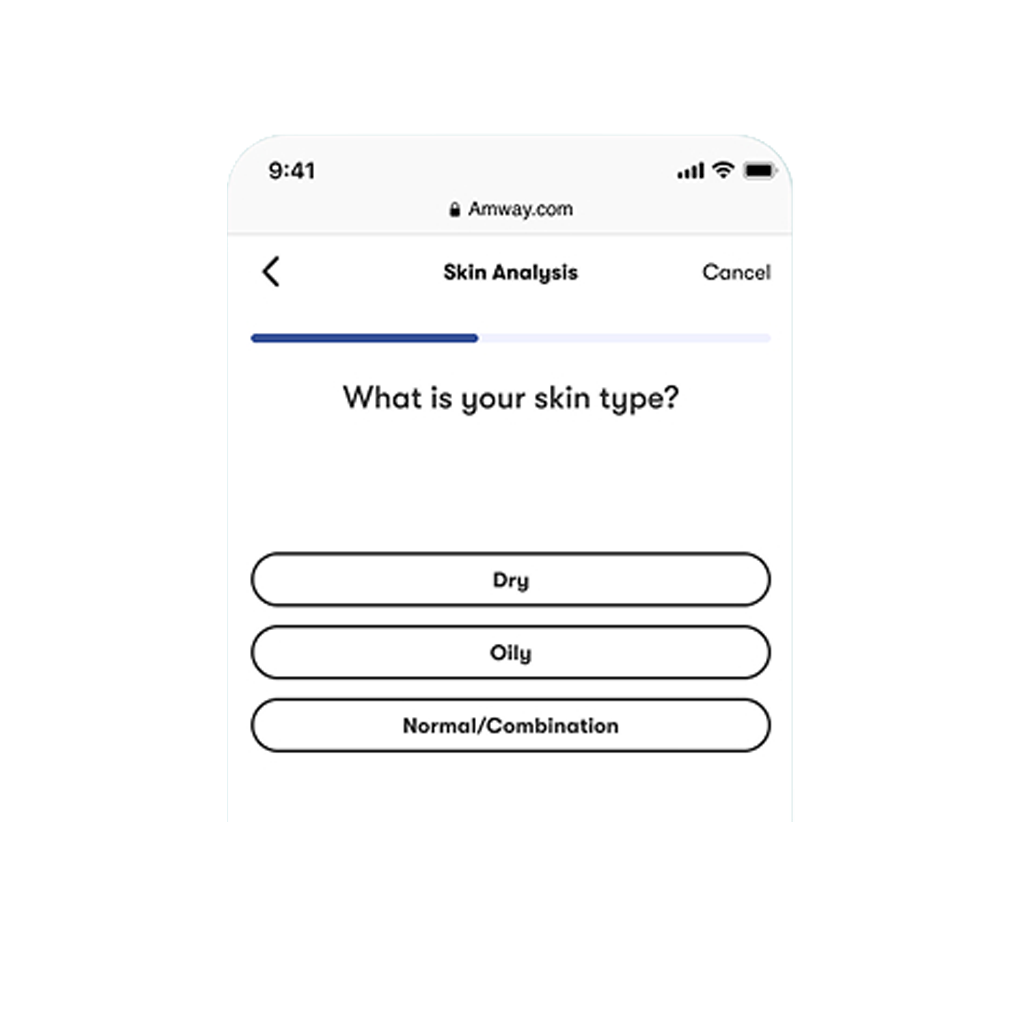
Step 1:
Answer a few questions
Tell us about your top skin concerns.
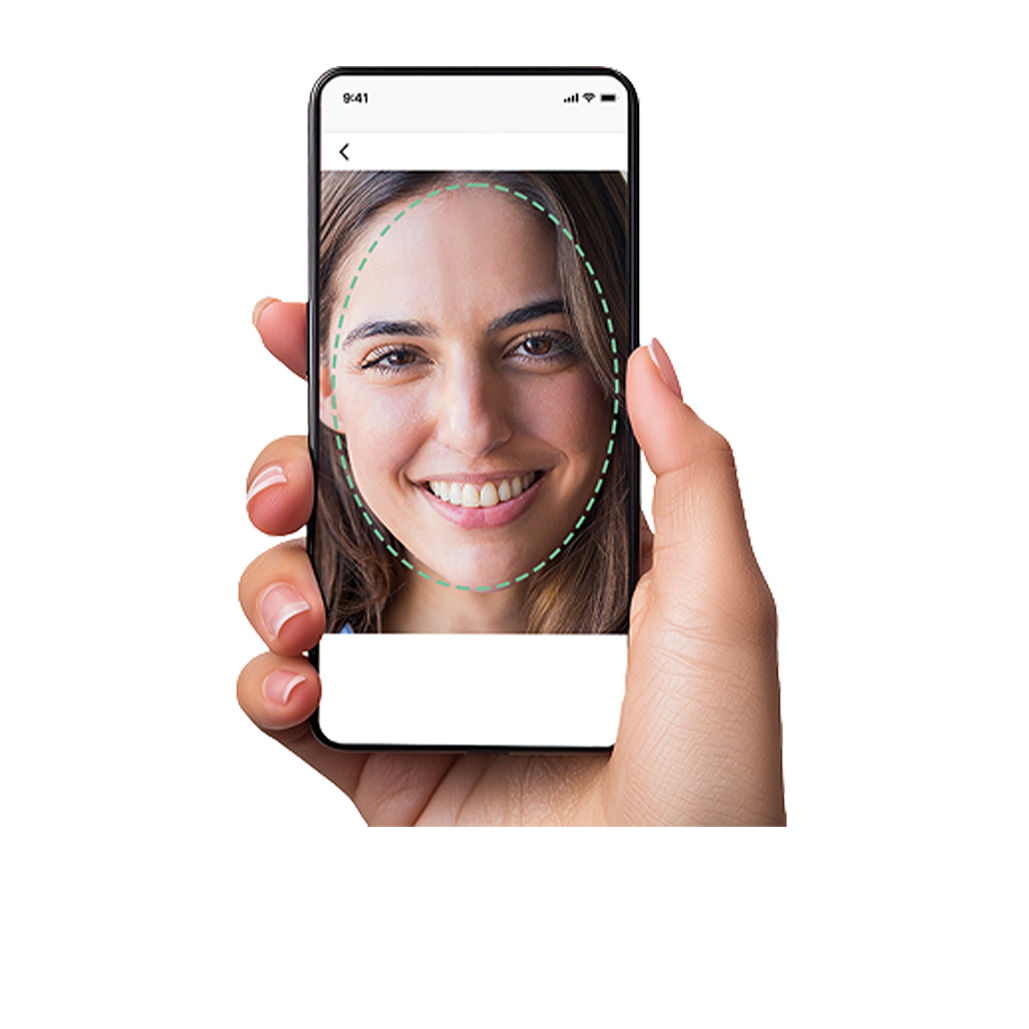
Step 2:
Scan your skin
Take a quick photo – your skin is analysed in seconds.
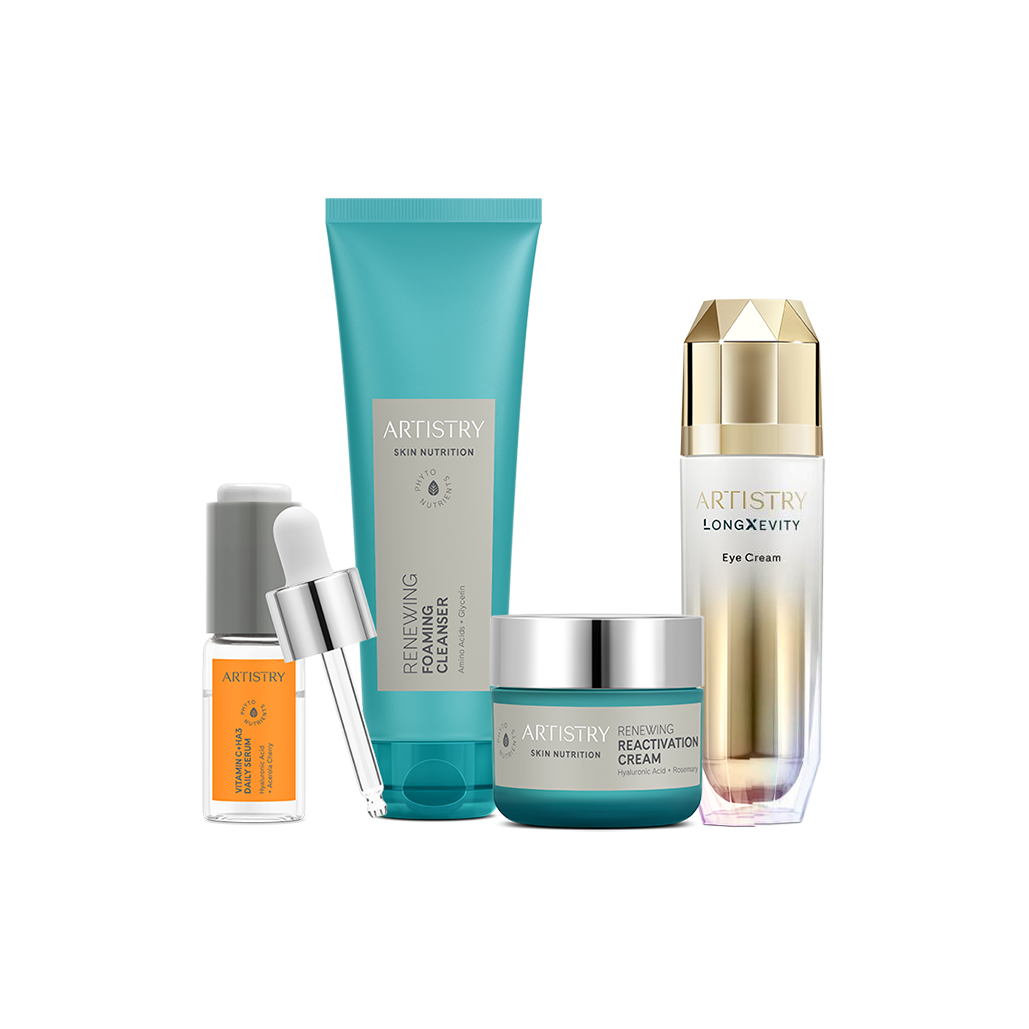
Step 3:
View your routine
Get a personalised product routine based on your unique skin profile.
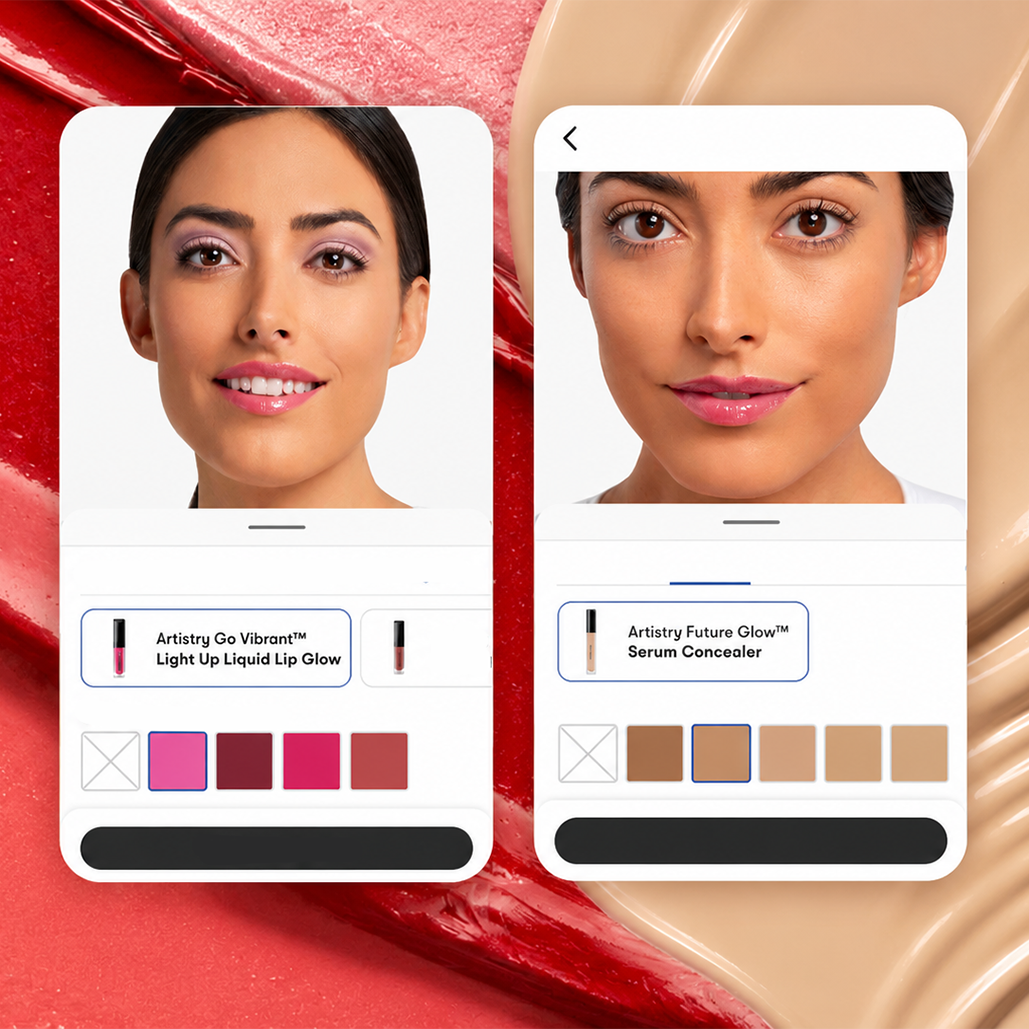
Test new looks and find your perfect shades
Discover your ideal foundation and concealer shades, play with different eye and lips looks and use the before-and-after view to compare the results.
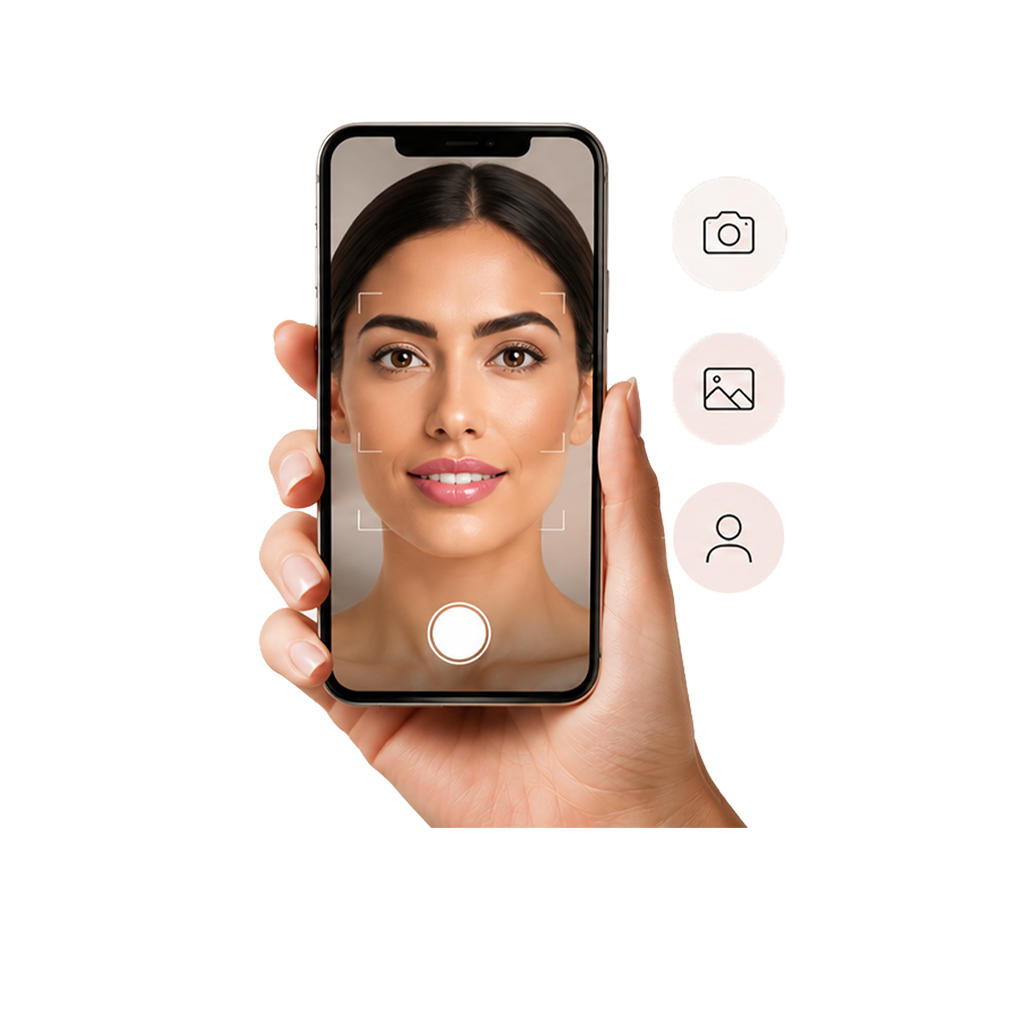
Step 1:
Choose your try-on method
Select among live makeup, taking a photo or uploading one.
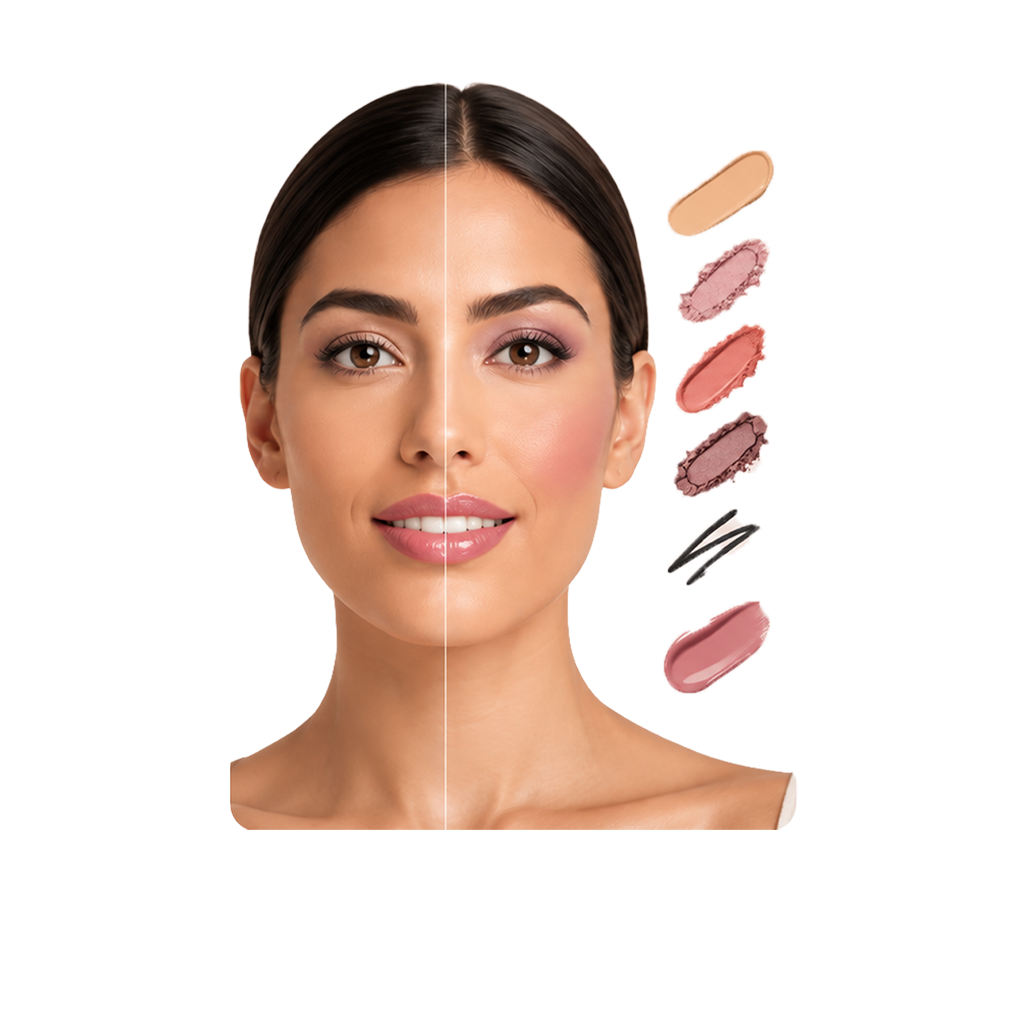
Step 2:
Find your shade
Play with different makeup products and see what suits you best.
Step 3:
Shop your look
View the products you tried and loved, and add them straight to your cart.
ARTISTRY VIRTUAL BEAUTY FREQUENTLY ASKED QUESTIONS
What is the Artistry Virtual Beauty Skin Analysis tool and who should use it?
It’s an AI-powered tool that analyses your skin using a photo and provides personalised skincare recommendations. The Artistry Virtual Skin Analysis is designed for anyone who wants to better understand their skin and discover personalised product recommendations. It’s helpful for new customers exploring skincare for the first time, as well as loyal Artistry fans looking to refine their routine.
Do I have to download an app to use the tool?
No account or app is needed! Everything is available directly on the Amway website. Simply access the tool from your phone or computer and enjoy all the great features without the extra step of downloading an app.
Why doesn't the experience work well on my tablet?
The experience is built and tested primarily for mobile and desktop to ensure the best performance on our most common device types. You can still use the tool on an iPad, but the visual experience may vary. We’re actively monitoring tablet traffic and will evaluate future optimisation based on usage.
Do I need to remove make-up before scanning my face?
For best results, scan your face in good lighting with clean, make-up-free skin. This helps the tool provide the most accurate analysis of your skin. The tool will still work if you have make-up on, but the results may be less precise.
Can I save my results?
To save your results:
- Tap the Share or Export icon on your results screen.
- Choose where you’d like to save the image – Camera Roll, Files, or another native option on your device.
- From there, you can also share your results via text, messaging apps, email, or any other sharing option available on your device.
Is my facial scan stored and how are my skin scores calculated?
No, your facial scan is not stored. The score is generated by an AI-powered skin analysis engine trained using deep learning and advanced computer vision algorithms on professional-grade skincare big data. Scores range from 0 to 100, with higher scores indicating more ideal and well-balanced skin conditions.
What if I buy a product and I’m not satisfied with it?
No worries. With the Amway Promise™ 180-Day Satisfaction Guarantee, you can return a product within 180 days of purchase if you’re not completely satisfied. Depending on local market policies, you may be eligible for a refund, replacement, or exchange. Simply contact your Amway Business Owner or Amway Customer Service for assistance.


